You used an AI tool to create a design for your business. It looks sharp on your screen, your team loves it, and you’re ready to put it on shirts, hats, signs or promotional merchandise.
Then the printer asks for a vector file.
Or worse, they tell you the design isn’t print ready.
This is becoming a common problem for business owners. AI image generators are excellent for exploring ideas and creating visual concepts, but the file they produce usually isn’t built for professional production.
Before your design can become merchandise, it may need to be professionally recreated, cleaned up and converted into the correct file format.
What Does “Print Ready” Mean?
Print-ready artwork is a file that meets the technical requirements of the company producing your merchandise.
The exact requirements depend on what you are printing. Screen-printed shirts, embroidered hats, vinyl signs and printed stickers all use different production methods.
A print-ready design typically needs:
Clean, sharp edges
Adequate resolution
Correct dimensions
A transparent background
Production-appropriate colors
Legible text
Consistent shapes and linework
The correct file format
Artwork that can be resized without losing quality
Many AI-generated images don’t meet these requirements—even when they look good on a phone or computer.
Why AI-Generated Artwork Isn’t Usually Print Ready
1. Most AI artwork is a raster image
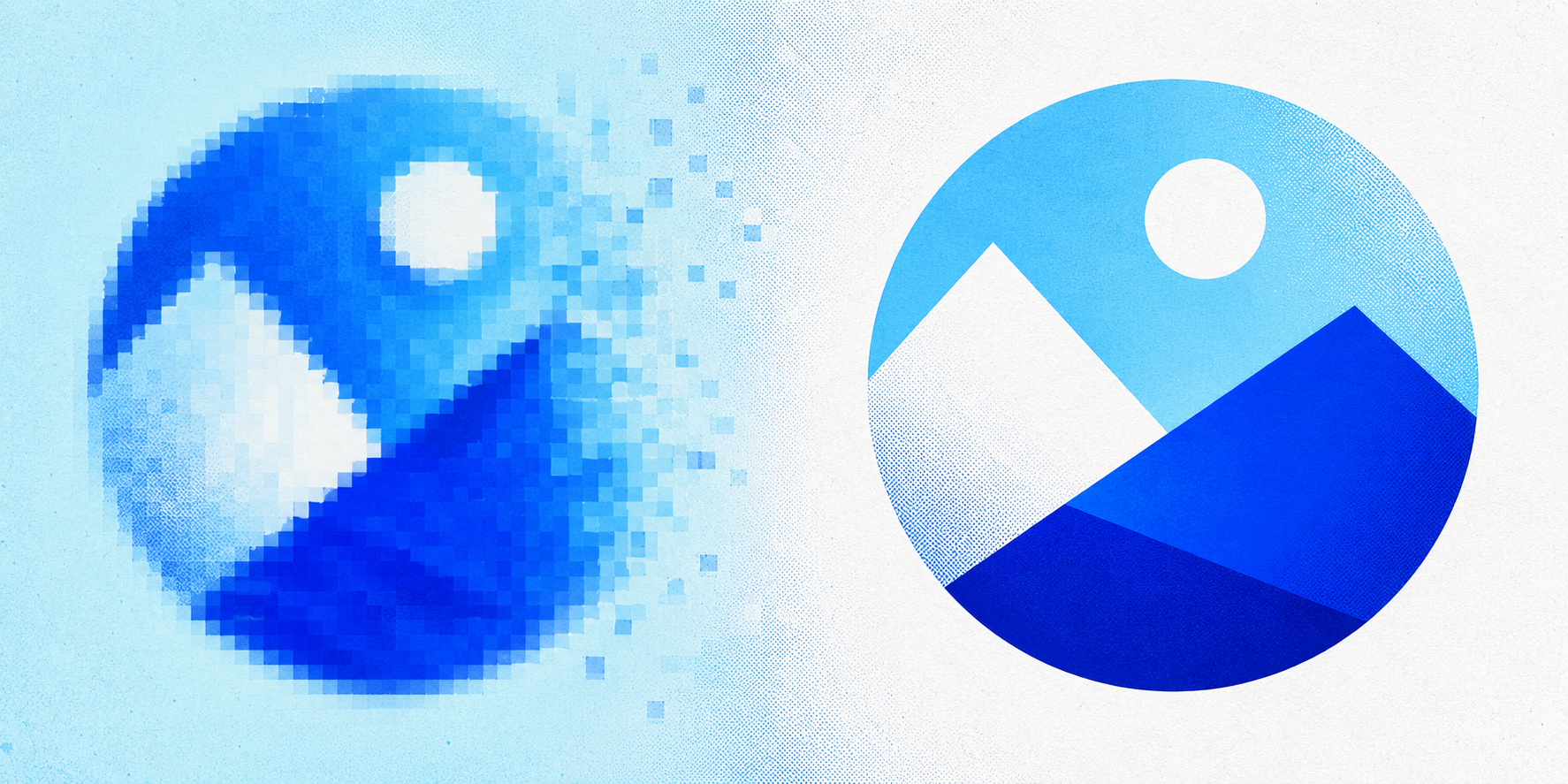
AI image generators commonly provide artwork as a PNG or JPG. These are raster files made from a fixed number of pixels.
When a small raster image is enlarged for the back of a T-shirt, a banner or a storefront sign, those pixels become visible. The artwork can look soft, blurry or jagged.
A true vector file is built from mathematical paths rather than pixels. This allows the design to be enlarged or reduced without losing its sharpness.
Simply changing a filename from .png to .svg does not make the artwork vector. The design must be traced or professionally recreated using vector paths.
2. AI-generated text may be distorted
AI tools have improved at creating text, but misspelled words, malformed letters and inconsistent typefaces are still common.
These issues may be easy to overlook in a small online preview. Once the design is printed across the front of a shirt, they become much more noticeable.
Print-ready preparation may involve rebuilding the typography, correcting spelling, matching fonts and adjusting spacing so the design remains legible at its final size.
3. The artwork may have too much detail
Fine textures, complex shading, distressed effects and tiny decorative elements can look impressive on a screen. However, they may not reproduce well through screen printing, embroidery or vinyl cutting.
Very thin lines can disappear. Small gaps can fill in. Subtle shadows may not separate correctly. Intricate details may become difficult or expensive to produce.
The artwork often needs to be simplified for its intended production method while preserving the original character of the design.
4. The colors may not be production ready
AI images are generally created for screens, which display color using RGB light. Many physical printing processes use CMYK inks or individual spot colors.
Bright colors visible on a screen may appear duller or different when printed. AI artwork may also contain hundreds of slight color variations that make screen-printing separation unnecessarily complicated.
Preparing the design for production can include:
Reducing the number of colors
Matching colors to a brand palette
Converting RGB artwork for print
Defining spot colors
Improving contrast
Removing unwanted color variations
Your printer can then determine the final color settings required for its specific equipment and process.
5. The background may not actually be transparent
A design may appear to have a white or solid-color background even when you only want the central artwork printed.
For apparel and merchandise, the background often needs to be completely removed. Otherwise, the finished product could include an unwanted box around the design.
A transparent PNG may be useful for certain digital printing processes, but a clean vector file generally gives a production team more flexibility.
6. AI introduces small visual inconsistencies
Look closely at an AI-generated design and you may find:
Uneven outlines
Asymmetrical shapes
Distorted objects
Random marks
Inconsistent shadows
Extra details
Broken letterforms
Elements that almost—but don’t quite—connect
These flaws can become more noticeable when the artwork is enlarged. Professional recreation gives a designer the opportunity to correct them before anything is printed.
Can You Automatically Convert an AI Image to Vector?
Automatic tracing tools can create vector paths from an AI-generated image, but the result is not always production ready.
Automatic conversion often produces:
Rough or wavy edges
Thousands of unnecessary anchor points
Distorted lettering
Unwanted background shapes
Excessive colors
Lost details
Shapes that are difficult to edit
A quick automated trace may work for very simple artwork. More detailed designs usually need to be manually cleaned up or recreated.
The goal is not merely to create a file that opens in a vector program. The goal is to create clean, dependable artwork that a production company can use.
How to Convert an AI Design Into a Print-Ready File
Step 1: Decide what you are producing
Start by identifying the final product:
Screen-printed T-shirts
Direct-to-garment apparel
Embroidered hats
Vinyl signage
Stickers
Banners
Promotional products
Printed marketing materials
The production method affects how the artwork should be prepared.
Step 2: Ask the printer for its specifications
Before converting the file, ask your printer what it needs.
Helpful questions include:
Which file formats do you accept?
Do you need vector artwork?
Should the design use CMYK or spot colors?
Is there a maximum number of colors?
What is the minimum line thickness?
What dimensions should the artwork be?
Do you need fonts converted to outlines?
Are there special requirements for embroidery?
Getting these answers early can prevent delays and additional artwork charges.
Step 3: Gather the best source file
Download the largest, highest-quality version available from your AI tool. Avoid screenshots or images saved from social media, as these may be compressed.
If possible, keep the original prompt and any reference materials used to generate the design. These can help a designer understand what should be preserved during recreation.
Step 4: Recreate the artwork as a vector
The design can then be rebuilt using clean vector shapes, paths and typography.
This stage may include:
Redrawing illustrations
Rebuilding text
Correcting distorted details
Simplifying fine elements
Matching colors
Removing the background
Converting fonts to outlines
Organizing colors for production
Professional recreation typically produces cleaner results than relying entirely on automatic tracing.
Step 5: Prepare files for the intended use
Once recreated, the artwork can be exported in formats such as:
SVG
EPS
Vector PDF
High-resolution transparent PNG
Your production company may request one or more of these formats.
For embroidery, remember that a vector file and an embroidery file are not the same thing. The simplified vector artwork may still need to be digitized into a stitch file by an embroidery professional.
Step 6: Get final approval from the printer
Always send the completed files to the company producing the merchandise and ask it to confirm that the artwork meets its requirements.
The printer controls the final production process and should provide the final approval before the order is placed.
What File Should You Send to a T-Shirt Printer?
The answer depends on the printing process, but many screen printers prefer editable vector artwork in formats such as EPS, AI, SVG or vector PDF.
Some direct-to-garment and direct-to-film printers may accept a high-resolution transparent PNG. However, the image still needs to be large enough for the intended print dimensions and properly prepared.
When in doubt, ask the printer before submitting the order.
Is Your AI Design Ready for Merchandise?
AI can help you turn an idea into a visual concept faster than ever. But generating the image is only the first stage.
Before putting that design on shirts, hats, signs or merchandise, make sure the artwork is:
Clean
Scalable
Legible
Properly colored
Free from unwanted backgrounds
Prepared for the intended production method
Delivered in the format your printer requires
Taking time to prepare the file helps reduce production delays, unexpected artwork fees and disappointing results.
Turn Your AI Artwork Into a Print-Ready File
Already have an AI-generated design you want to print?
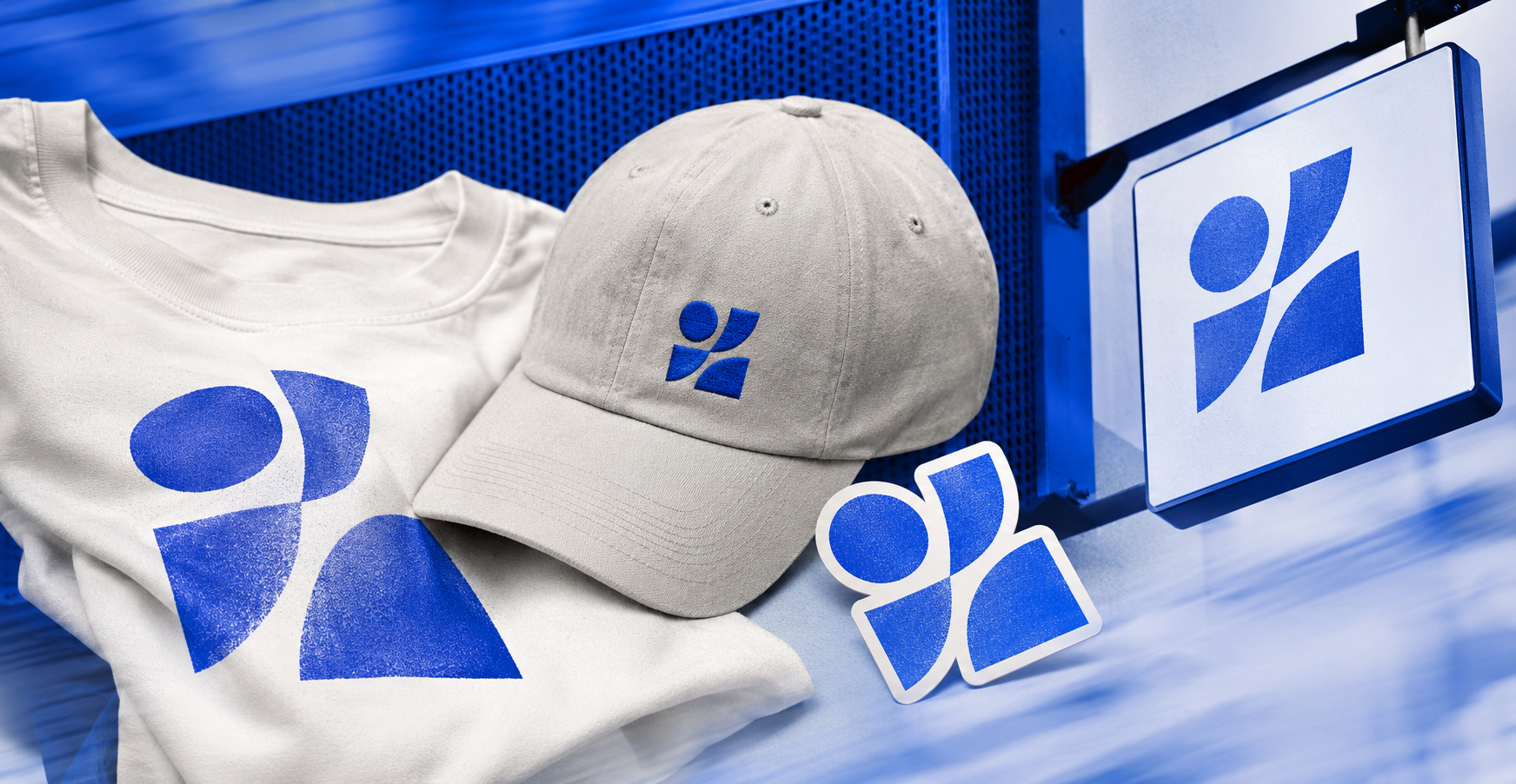
PrintReady by 1853 Creative professionally recreates AI artwork as clean, scalable files for apparel, signage and merchandise. We correct distorted details, rebuild typography, simplify production problems and provide the file formats needed to move your idea closer to production.
Get Your AI Artwork Print Ready
Send us your design, tell us what you want to produce, and we’ll help prepare the artwork for the next step.